

Quick answer: Yes, you can run a Shopify store from Pakistan and sell to customers in the UAE on cash on delivery. You don’t need Shopify Payments for this, because COD is a manual payment method, and Shopify doesn’t charge its third-party transaction fee on manual payments. The setup that matters: set the store currency to AED before your first order, turn on Cash on Delivery, add a one-page COD order form, make the store work well on mobile (in Arabic too if you can), and use a UAE supplier that stocks, delivers and collects the cash for you.
In this guide
“Shopify Payments isn’t available in Pakistan, so can I still sell in Dubai?” It is one of the most common questions new sellers ask us. The short version: for a cash on delivery store you don’t need an online payment gateway at all. The customer pays the courier, and the supplier sends your profit to you.
The longer version is about getting a handful of settings right on day one, before the first orders arrive and changes start affecting your reports and customers. This guide walks through the setup in the order you should do it, from a Pakistani seller’s point of view.
Can a Pakistani seller use Shopify for the UAE?
Yes. Shopify lets you open a store with a Pakistani address and sell to customers in another country. On the Shopify Community forum, a seller asked exactly this, how to run a store from Pakistan and sell in the UAE, and community members replied that it works: set the store currency to AED, configure the UAE as your shipping market, and target UAE buyers with ads (thread).
What you can’t easily do from Pakistan is accept card payments through Shopify Payments. That matters much less in the Gulf COD model, where many buyers prefer to pay cash at the door. Shopify’s own help centre lists Cash on Delivery as a manual payment method and states that you “aren’t charged third-party transaction fees for manual payments” (Shopify Help Center).
Whether you need a UAE trade licence depends on where you live and operate. If that question is on your mind, read dropshipping in the UAE without a trade licence before you scale.
What it costs to start
| Cost | What to expect |
|---|---|
| Shopify plan | Basic is listed at $39 a month, or $29 a month on annual billing, and Shopify usually offers a short trial for new stores (Shopify pricing). Check the price Shopify shows for your account, as offers and regional pricing change. |
| Transaction fees on COD | None from Shopify on manual payments such as COD. |
| COD order form app | Many have a free tier and paid plans as order volume grows. |
| Domain name | A small yearly fee. A simple .com with your brand name is enough to start. |
| Products | Nothing upfront with a dropshipping supplier. You pay product and delivery costs out of each delivered order. |
| Ads | Your biggest cost. Work out your break-even cost per order first; our guide to running UAE ads from Pakistan shows the formula. |
You pay Shopify in US dollars with a card that allows international transactions. Your bank may deduct advance tax (depending on your filer status) and add an exchange-rate margin on foreign card payments, so budget a little extra on top of the plan price.
Step-by-step store setup for UAE COD
- Decide on one country per store. If you plan to sell in both the UAE and Saudi Arabia, it is usually simpler to run two stores, one in AED and one in SAR. Shopify’s help centre notes that manual payments in multiple currencies require Shopify Payments, which Pakistani sellers can’t use. Without it, COD works only in the store currency, so a single AED store would charge Saudi buyers in AED. Separate AED and SAR stores are simpler.
- Set the store currency to AED before your first order. You find it under Settings > General > Store defaults. You can change it later, but Shopify warns that a change after orders have come in can affect reports, refunds and pending payments (Shopify Help Center), so get it right on day one. Prices should end in round, local-looking numbers, such as AED 99 or AED 149.
- Create a UAE shipping zone. In Settings > Shipping and delivery, add the United Arab Emirates and set a rate. Many sellers build delivery into the product price and show “Free delivery” because it converts better, but a clear flat fee also works. Don’t let customers reach checkout and find a surprise charge.
- Turn on Cash on Delivery. Go to Settings > Payments and activate the manual Cash on Delivery method. Add a short payment instruction, for example: “Pay in cash when your order arrives. Our team will call or WhatsApp you to confirm before dispatch.” COD orders show as unpaid in Shopify until you mark them as paid.
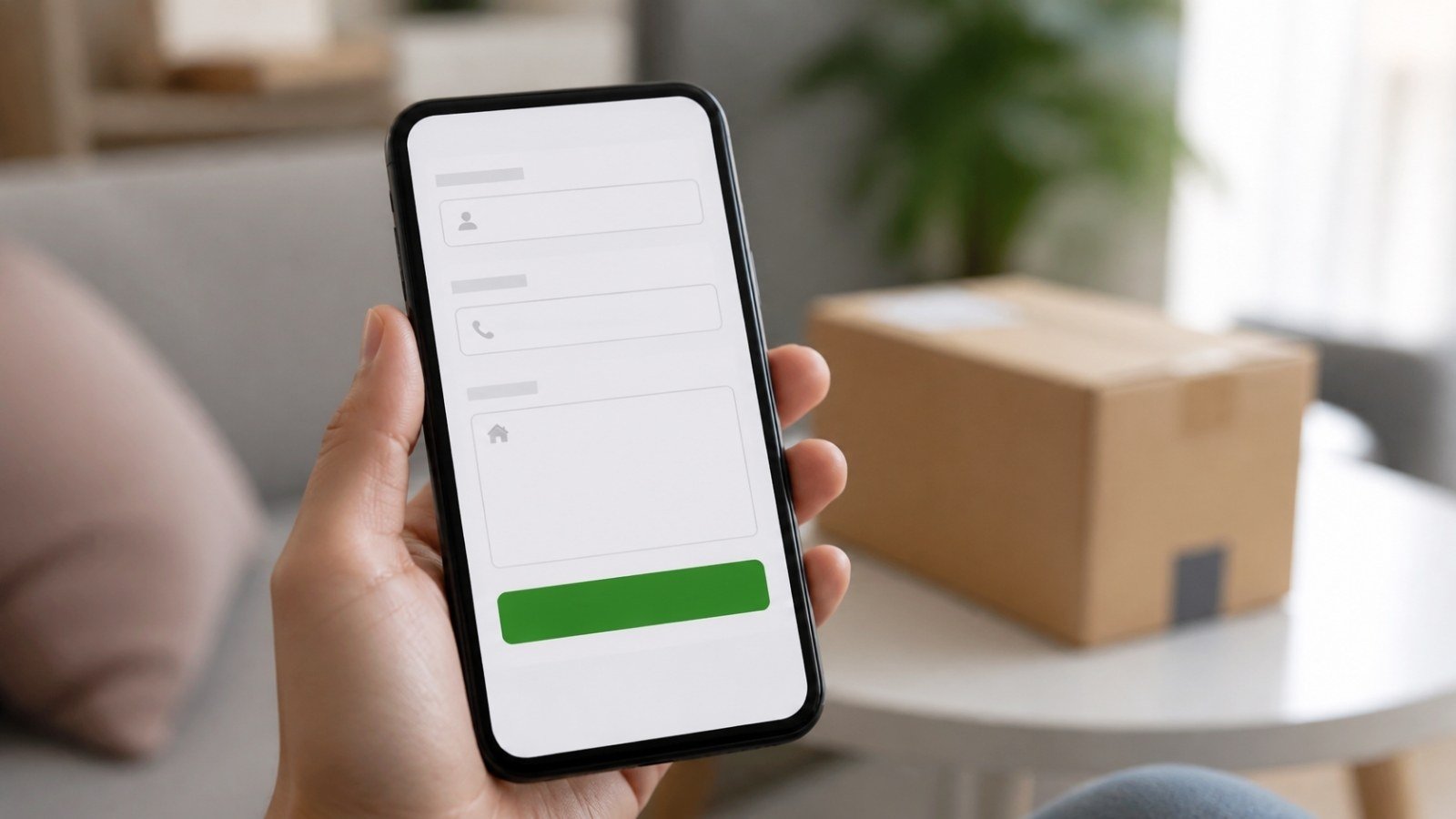
- Add a one-page COD order form. Shopify’s checkout asks for more than a COD buyer expects, so Gulf stores usually add an order form app (EasySell and Releasit are two well-known examples) that puts a short form right on the product page. Ask only for what delivery needs: full name, mobile number with the +971 code, emirate, area and address with a landmark. Make email optional.
- Write honest product pages. Use clear photos, the real size and contents of the box, and what the customer pays in total. Copy exaggerated supplier text and you’ll pay for it later in refused parcels.
- Publish the basic policy pages. Shipping, returns, privacy and contact pages, written for UAE customers. Delivery times and return rules should match what your supplier actually does.
- Test the full order on your phone. Place a test order from mobile data, not office Wi-Fi, and check every screen: product page, form, thank-you page and the confirmation message.
Arabic, mobile and trust
Mobile first. Most COD orders in the Gulf come from people tapping an ad on their phone. Keep the product page light: compressed images, a short video, and only the apps you actually need. Every extra app adds scripts that slow the page down.
Arabic. English works for a large part of the UAE market, but an Arabic version helps with Emirati and other Arab customers, and it is close to essential if you later open a Saudi store. In Shopify, add Arabic under Settings > Languages and translate your content with Shopify’s Translate & Adapt app, which added auto-translation for Arabic in 2024 (Shopify changelog). Shopify also points out that your theme must support right-to-left text, so check this before you choose a theme, then have a native speaker read the key pages. Machine translation of product names can go badly wrong.
Trust signals that work for COD buyers:
- “Cash on delivery” stated near the price, not hidden in the FAQ.
- A WhatsApp button with a UAE-friendly greeting and real replies during the day.
- Delivery time in plain words, for example “Delivered in 1 to 3 working days”.
- A simple returns promise you can keep.
- Real photos and short videos instead of stock images.
If you also want to reach Arabic-speaking sellers or partners, our Arabic guide to COD dropshipping in the UAE and Saudi Arabia covers the basics in Arabic.
How orders move from Shopify to delivery
Here is what happens to a single order when you sell through Dropify Gulf:
- The customer orders on your Shopify store and chooses cash on delivery. The order shows as unpaid.
- You confirm it by phone or WhatsApp within an hour or two. Cancel orders the customer doesn’t recognise or isn’t sure about.
- You submit the confirmed order in your Dropify seller dashboard with the customer’s name, phone and address. We are building direct Shopify order sync; ask our support team whether it is available for your account yet.
- We pack and ship the order from UAE stock through a local courier with tracking, and the courier collects the cash.
- You update Shopify: mark the order as fulfilled and, once delivered, as paid, so your store reports stay accurate.
- Your profit lands in your seller wallet, and you can withdraw it on the weekly payout cycle. See how Pakistani sellers get paid for the details.
Step 2 is the one most new stores skip, and it is the one that protects your profit. Our guide on reducing COD returns in the UAE and Saudi Arabia includes a confirmation script you can copy.
Mistakes that cost Pakistani sellers money
- Leaving the store in PKR or USD and only noticing after orders come in, when a currency change can mess up reports and refunds.
- Sending COD buyers through the full checkout instead of a short order form on the product page.
- Asking for too little address detail. Without the area and a landmark, couriers call, can’t find the customer, and the parcel comes back.
- Installing ten apps on day one. Each one slows the page, and some add monthly fees you forget about.
- Listing branded “first copy” products. They break Shopify’s and Meta’s rules and can get the store or ad account shut down.
- Copying supplier descriptions word for word. Rewrite them in your own words, with accurate sizes and contents.
- Shipping without confirming. Every unconfirmed parcel risks a delivery fee, a return fee and wasted ad spend.
- Mixing UAE and Saudi customers in one store with one price and one language.
Shopify, WooCommerce or no website?
| Option | Good for | Watch out for |
|---|---|---|
| Shopify | Beginners who want a fast, reliable store without managing hosting | Monthly plan and app fees in USD; settle the store currency before launch |
| WooCommerce | Sellers comfortable with WordPress who want more control and lower monthly fees | You handle hosting, speed, security and updates yourself |
| Social selling only (Instagram, Facebook, WhatsApp) | Testing a product before building a store | Harder to scale ads and track results; orders arrive in messages, not a system |
Many sellers test a product through social pages and WhatsApp first, then move to Shopify once something sells. If you’re still choosing what to sell, start with our list of winning COD products for Pakistan, the UAE and Saudi Arabia, or browse the Dropify product catalogue.
Building your first UAE store?
Open a free Dropify Gulf seller account, pick products with UAE stock, and we handle packing, delivery and cash collection.
Frequently asked questions
Can I open a Shopify store from Pakistan and sell in Dubai?
Yes. You can open the store with a Pakistani address, set the currency to AED, add the UAE as your shipping market and accept cash on delivery. A UAE supplier handles stock, delivery and cash collection.
Do I need Shopify Payments to sell in the UAE?
Not for cash on delivery. COD is a manual payment method in Shopify, and Shopify doesn’t charge its third-party transaction fee on manual payments. You would need a payment provider only if you also want to take card payments online.
Which currency should my Shopify store use for UAE customers?
Use AED and set it in Settings > General > Store defaults before your first order. You can change it later, but Shopify warns this can affect reports, refunds and pending payments.
Can one Shopify store sell in both the UAE and Saudi Arabia with COD?
It is usually simpler to run separate stores. Shopify notes that manual payments in multiple currencies require Shopify Payments, so a store run from Pakistan would charge COD buyers in its single store currency. Separate AED and SAR stores avoid this.
Do I need an Arabic version of my store?
For the UAE it helps, especially with Emirati and other Arab customers. For Saudi Arabia it is close to essential. Shopify’s Translate & Adapt app supports Arabic, but your theme must support right-to-left text, and a native speaker should check key pages.
How do Shopify orders reach Dropify Gulf?
After you confirm an order with the customer, you submit it in your Dropify seller dashboard. We pack, ship and collect the cash, and your profit goes to your seller wallet. Direct Shopify order sync is being built; ask our support team about its status for your account.